Integrations ( EBS-6650 )
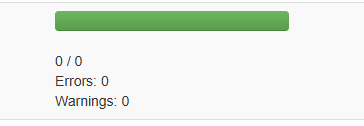
When export contains 0 items, this is now shown in progressbar as 0/0.
Articles & Partners ( EBS-11347 )
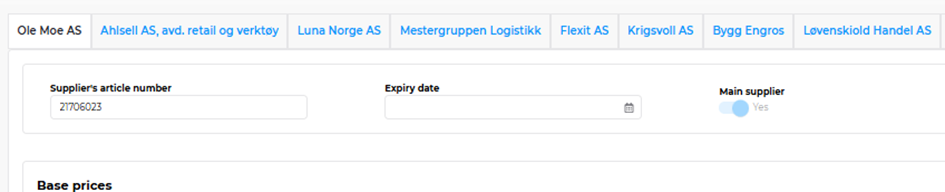
Main Supplier Selection on Article Page
Logic updated to enforce a single main supplier selection.
Preventing the option to deselect the main supplier from the main supplier tab (to avoid having none selected).


Automatically demotes the previous main supplier when a new one is selected.

New main supplier is moved to first tab
Environmental & Climate ( EBS-11448 )
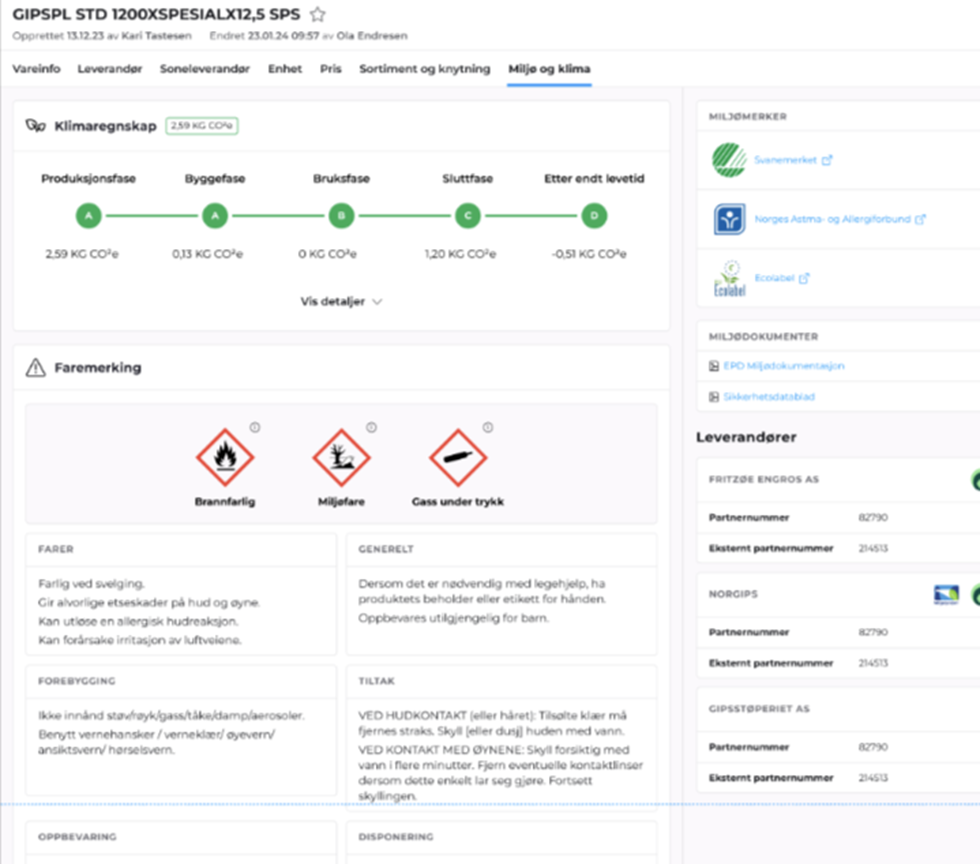
A new tab has been added to the article page, giving users quick access to key sustainability-related data. This tab centralizes important environmental metrics and certifications, improving transparency and enabling users to make more informed product decisions.
Key Features
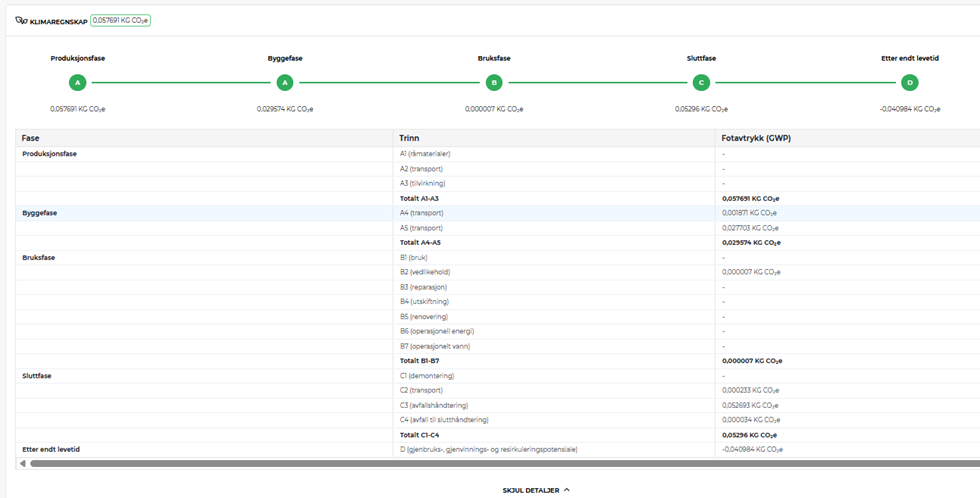
CO₂ Emissions Data
Display of carbon footprint values for each article, including production phase CO₂ estimates (A1–A3, A4-A5, B1-B7, C1-C4 stages) where available.
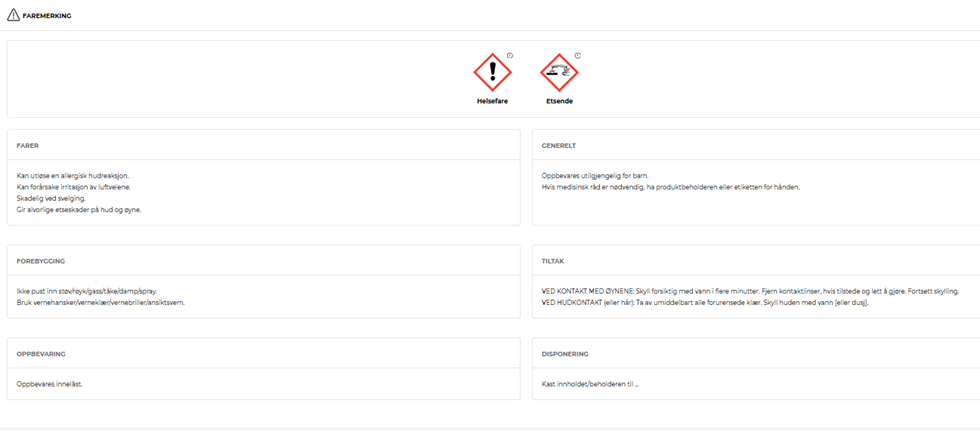
Hazard Marking Information
Environmental Certificates
Highlights relevant sustainability and compliance certifications attached to each article or supplier:
Svanemerket (SVANE)
EU Ecolabel (EUBL)
Norges Astma og Allergiforbund (NAAF)
FSC and PEFC (responsible forestry)
Any additional supplier-verified eco-certifications
Articles & Partners ( EBS-11830 )
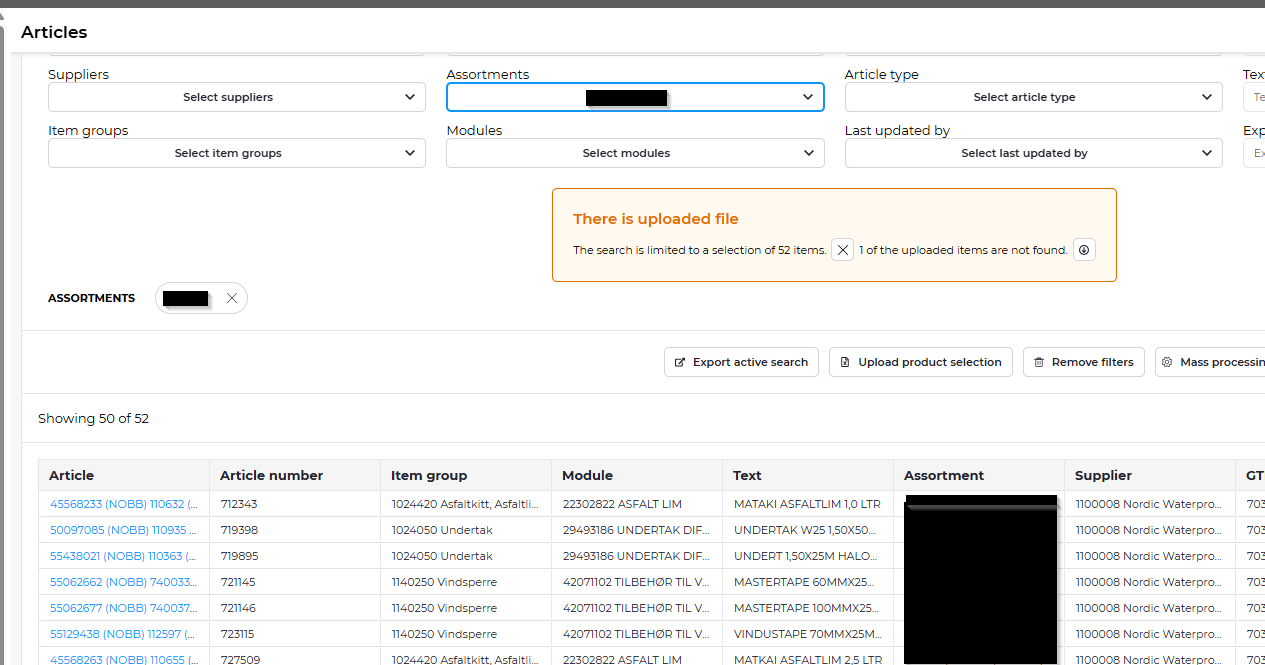
Accurate Search Result Count After File Import
Displayed correct total item count based on assortment filters applied.
Ensured 50 items per page are shown consistently.
Articles & Partners ( EBS-11945 )
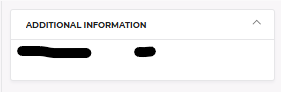
Show Additional Info in All Article Tabs
Users can now view more relevant data (additional information from other sources than main, stock status etc.) directly within each article tab, improving accessibility and navigation across the interface. The box is displayed only when additional data is available. (Requires additional API - customized)
Articles & Partners ( EBS-12288 )
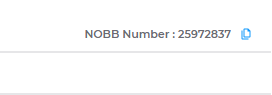
Nobb number is displayed in the top-right corner across all tabs of the Article Card.
Articles & Partners ( EBS-12291 )
Search results for price groups are narrowed down as you type
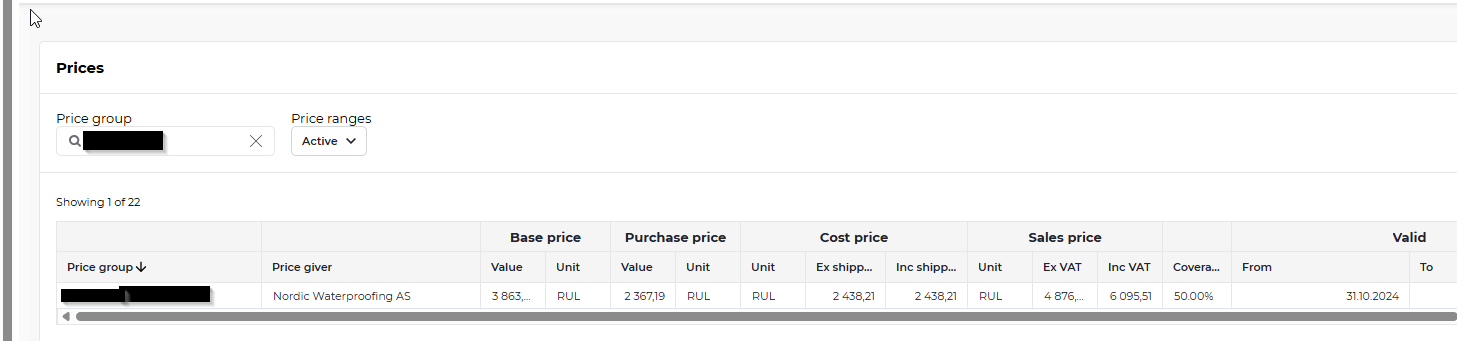
Articles & Partners ( EBS-12293 )
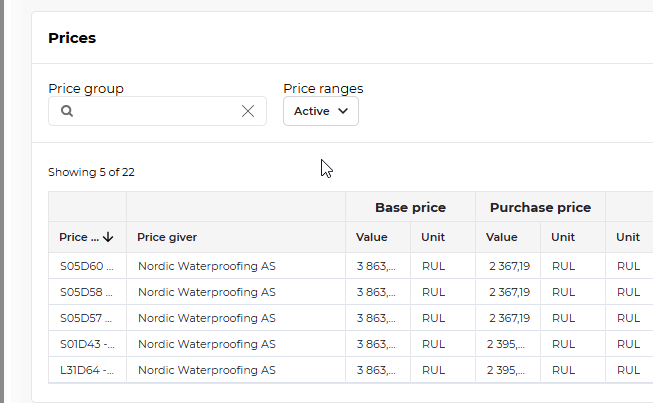
Drop-down with choices for what prices to show
Active (default setting)
All price groups and active prices are shown
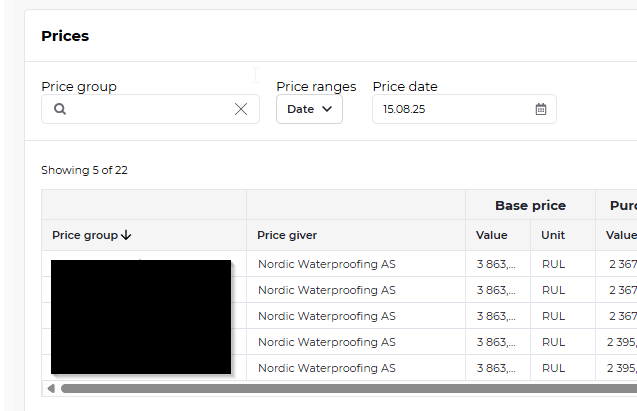
Price date
Displays all active prices on a given date
Price range
Displays all active prices in a given date range. Set from-date by clicking in from-field and then clicking on the calendar-icon. Set to-date by clicking in to-field and then clicking on the calendar-icon.
.png)
If you want to see all historic (expired) prices, you can use "Price range" without setting from- and to-date
